 ReMenu
Drag-and-drop control of your admin menu
Tame a cluttered wp-admin sidebar — reorder, rename, nest, group, and hide menu items from one visual editor. Nothing is ever written to your database.
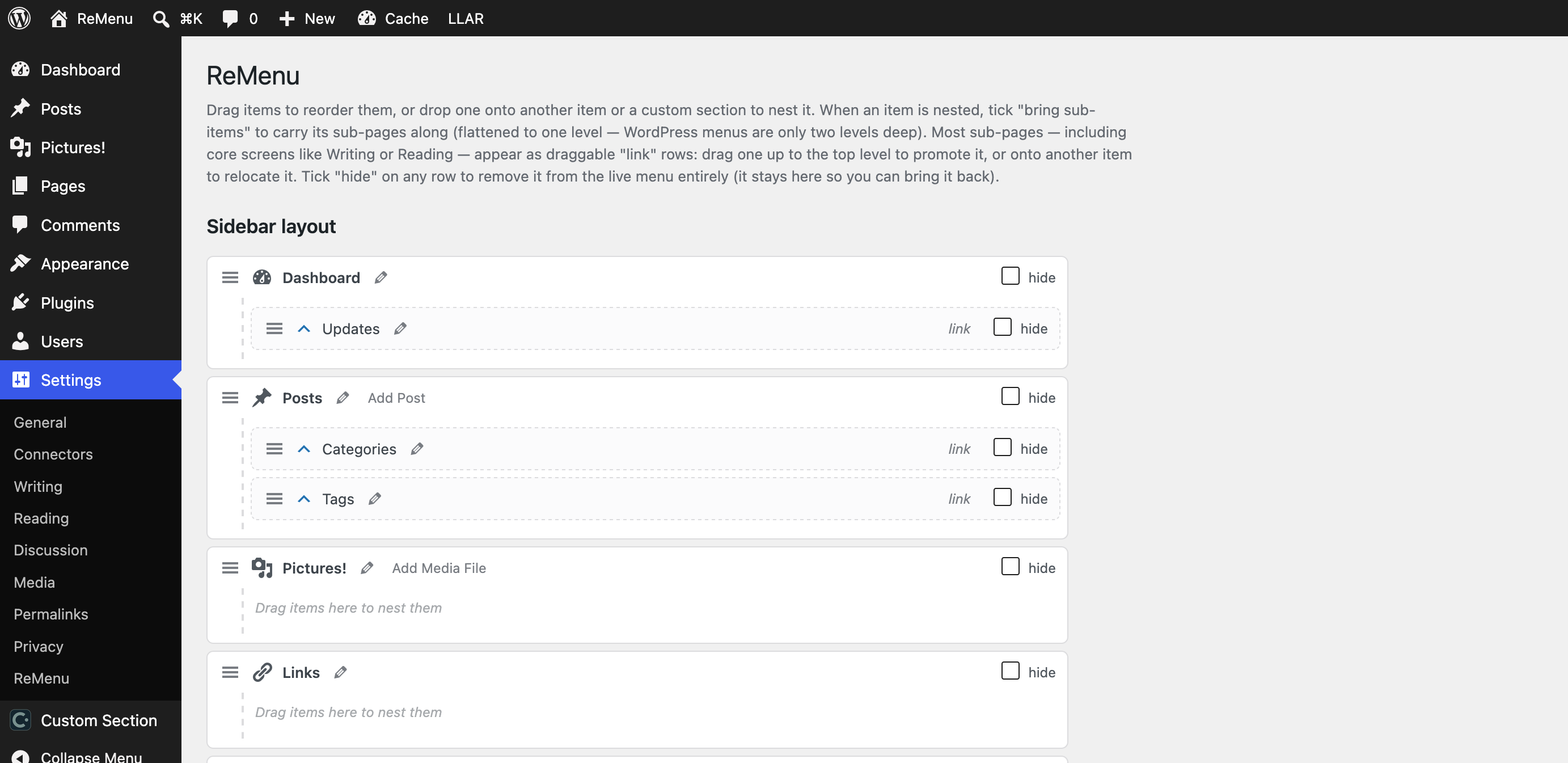
The whole editor lives on one screen at Settings → ReMenu. Drag, drop, save.
Reorder by drag-and-drop
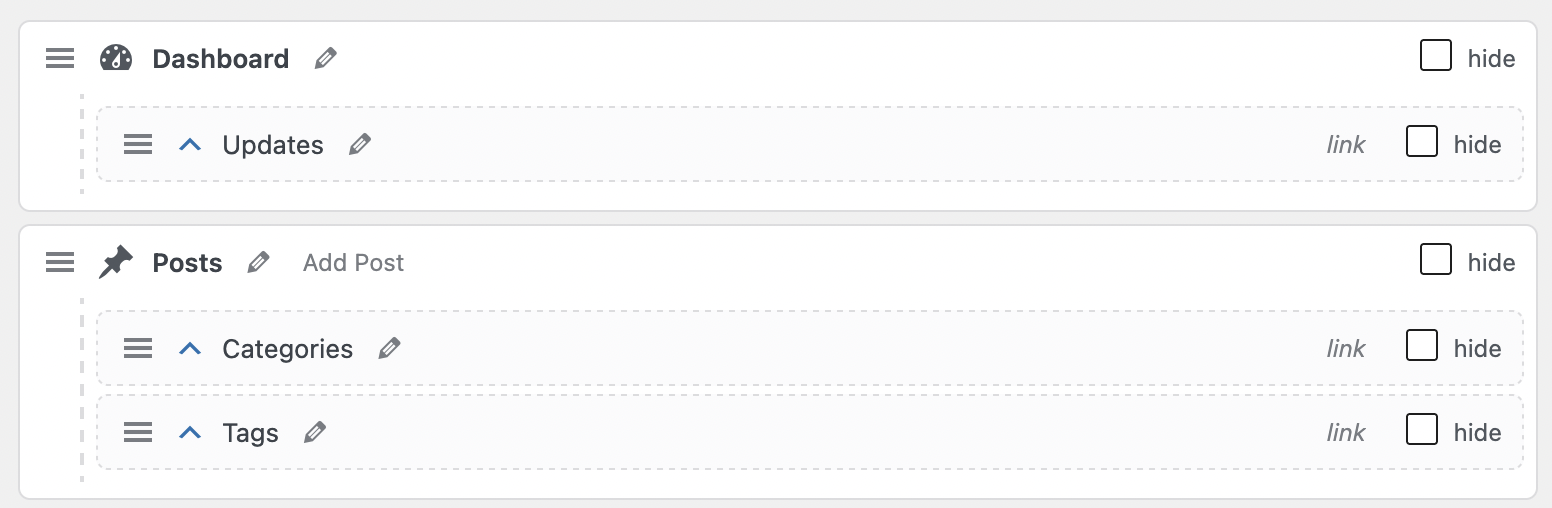
Grab any item and drop it exactly where you want it. Top-level items and sub-pages alike move freely — the live menu rebuilds itself on save.
Promote & relocate sub-pages
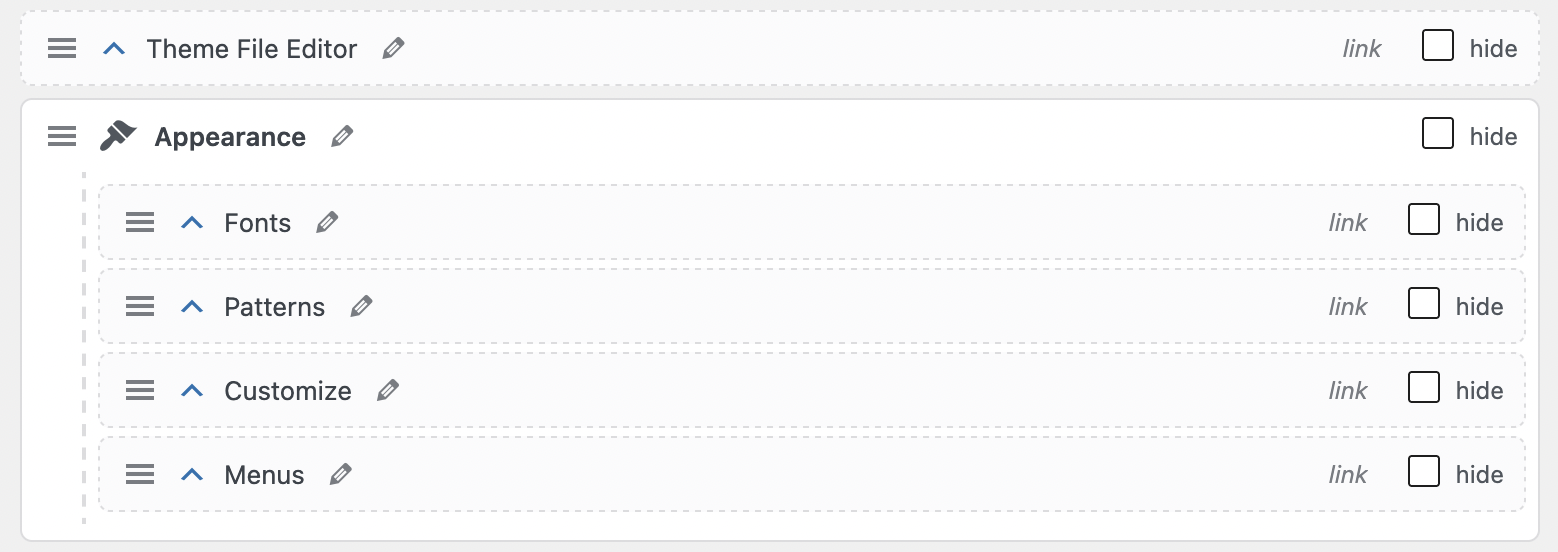
Pull a buried sub-page up to the top level, or move it under a different parent — core Settings pages like Writing and Reading included. Promoted pages keep their original URLs.
Rename anything inline
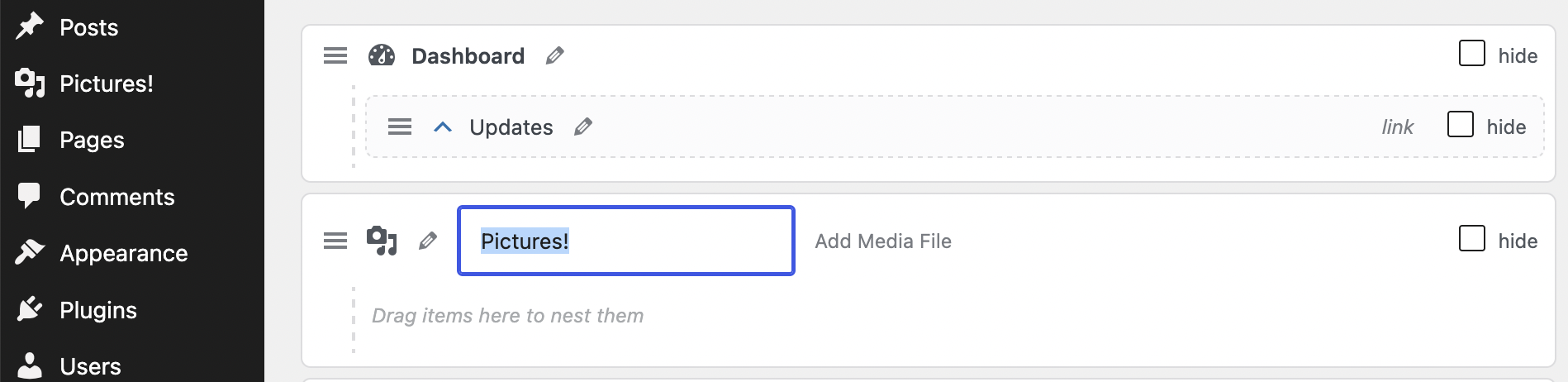
Give any item or sub-item a custom label right in the editor, or leave it blank to keep the original. Update and notification count badges are preserved on renamed items.
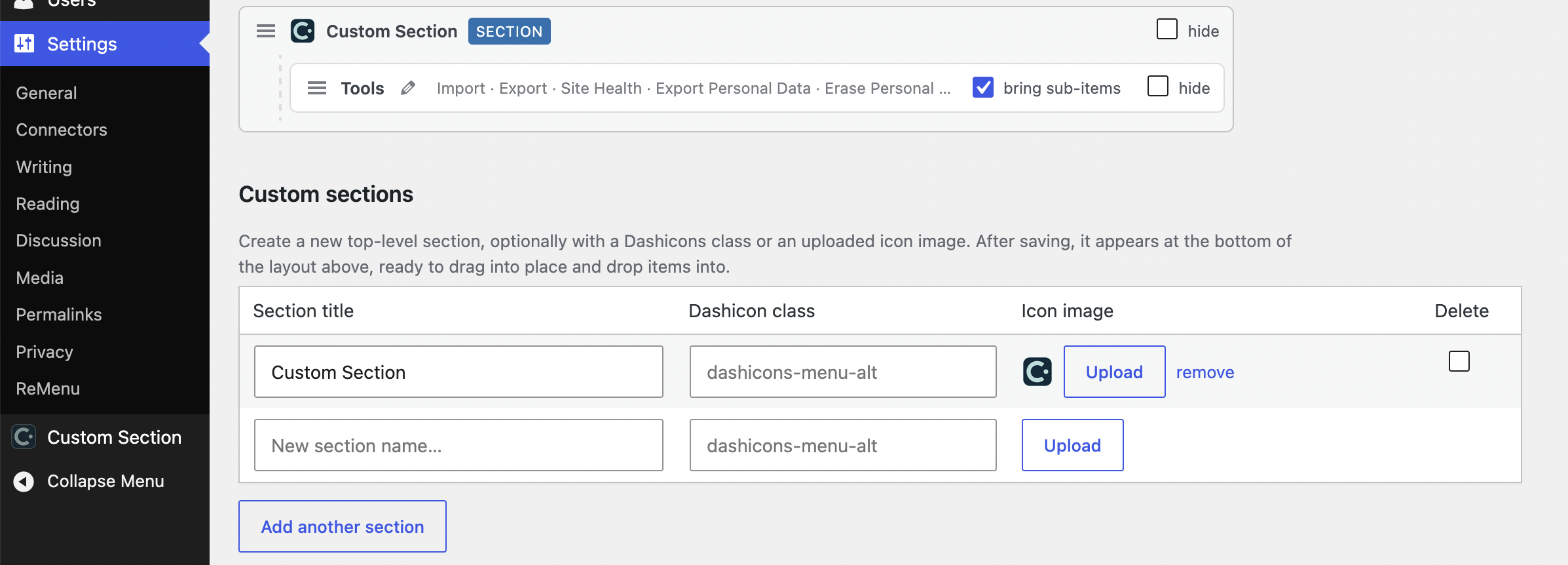
Build custom sections
Create your own top-level groups, each with a Dashicon class or an uploaded icon, then drag items into them. Collapse the long ones into click-to-open accordions.
Free, and gone the moment you deactivate.
ReMenu rearranges the menu as it renders — deactivate it and your sidebar returns to default, instantly. No lock-in, no leftovers.
Get ReMenu free